The plate owns its printer, process and materials. The bed shown in the interface and the settings passed into slicing have to describe the same machine.
C++ changes carry the per-plate context through preset resolution, bed geometry and slicing. This is a fork of OrcaSlicer; the contribution is the multi-printer behaviour and the model supporting it.
Product parameters become printable geometry. The interface keeps dimensions, materials and manufacturing estimates close to the object being changed.
Actual LunarHex interface · NASA terrain data and tile selection.Full resolution ↗
Behind the work
The library includes acoustic forms, modular storage, lettering, vessels and terrain tiles. The browser preview is part of a product flow, with model generation and enquiry rather than a separate CAD upload step.
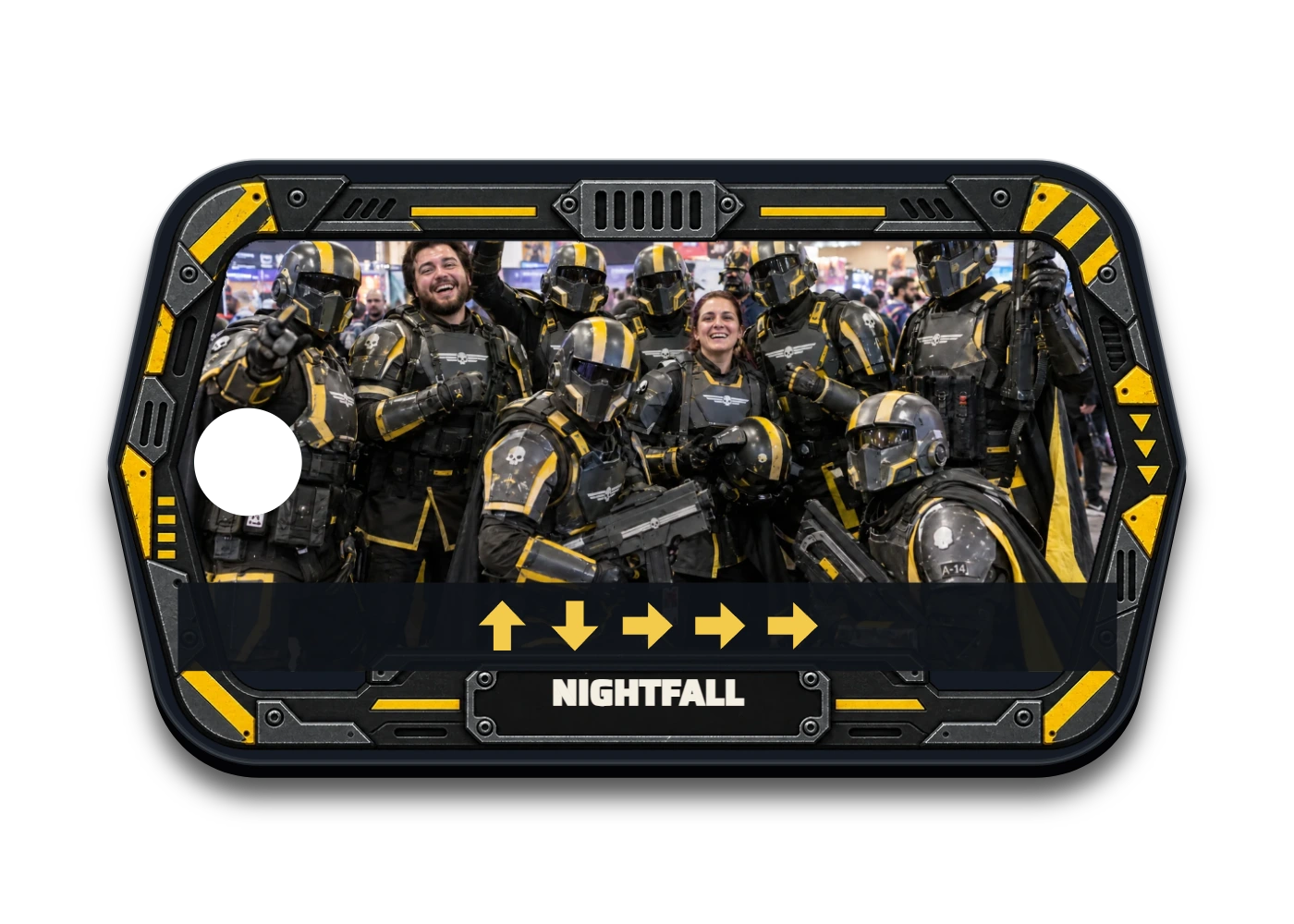
Colour is only one part of a UV print. The image also defines a raised surface, with the edges and attachment hole protected.
LIVE 3D PREVIEW
Colour artwork becomes a height field, softened and tapered at cut edges. This scene uses the Studio’s relief recipe and blank geometry.
Behind the work
The preview samples the print artwork into a mesh using the Studio’s luminance curve, alpha taper and rounded-edge drop. The same recipe prepares the print relief. Mesh spacing follows a device budget and never exceeds the artwork’s 600 DPI source resolution. The scene shows the configured 0.45 mm maximum, without magnifying its height.